Cast to TV - Screen Mirroring
Video Player & Cast to TV
Downloads
1,000,000+
Version
Latest
Click to download now, finish the installation quickly, and directly unlock the all-round experience
Screenshots
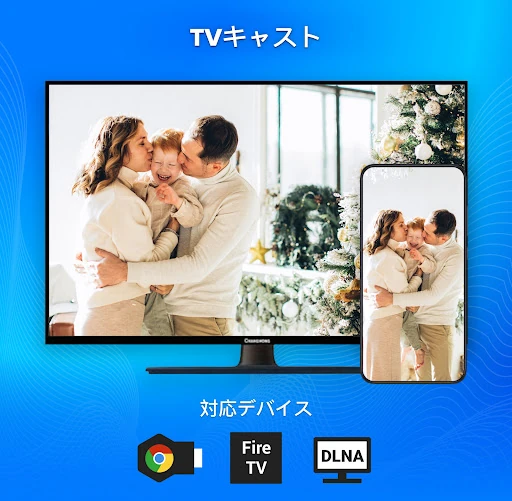
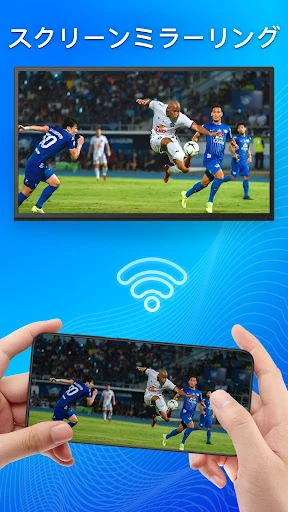
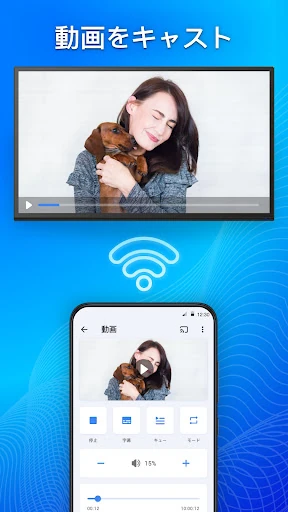
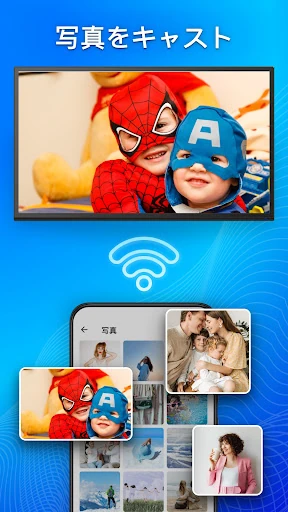
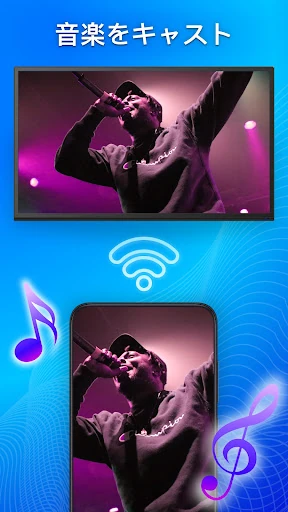
Click to download now, finish the installation quickly, and directly unlock the all-round experience
Cast to TV - Screen Mirroring is suited to Android users who want to show phone content on a television without moving files first. It combines screen mirroring, media casting and basic TV control in one app, making it a practical choice for sharing videos, photos, web content or a phone screen with other people.
The app can mirror the Android display in real time and cast supported media to compatible televisions and streaming devices. Its device support covers common smart TV platforms and standards such as DLNA, along with devices including Chromecast, Fire TV and Apple TV. It also includes a built-in web browser for finding and sending online video to the larger screen.
The app is most useful when the phone and receiving device are on a suitable local network. Connection quality can vary with the home Wi-Fi setup, and screen mirroring may be less responsive than casting a video directly. Compatibility also depends on the television or streaming hardware, so the range of listed device types should not be treated as a guarantee for every model.
With a rating of 4.08 from 13,968 reviews and more than 1,000,000 installs, it has been used by a substantial Android audience. It sits in the Video Players & Editors category and is developed by Video Player & Cast to TV. Choose it if you want casting, mirroring and simple remote functions together; users who only need occasional media playback may prefer a more focused casting tool.